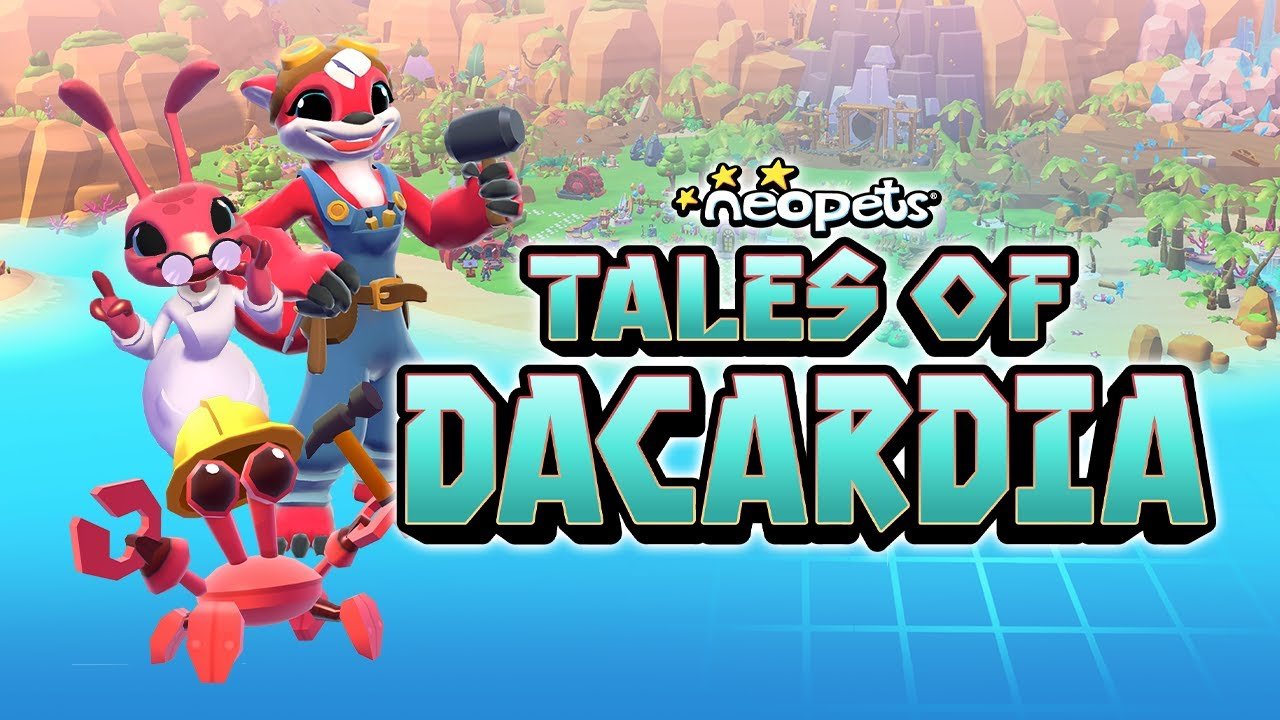
Neopets: Tales of Dacardia
I worked on several features on Tales of Dacardia, relating to UI/UX Design, Systems/Economy Design, and Live-Ops. After Tales of Dacardia transitioned to a Live-Operations Service model, I was the primary Designer on the game, in charge of designing and setting up events, balancing events, and working with the Neopets.com Live-Ops team for main game event tie-ins. Some of the things I worked on for Tales of Dacardia can be seen below!
Download Game Here
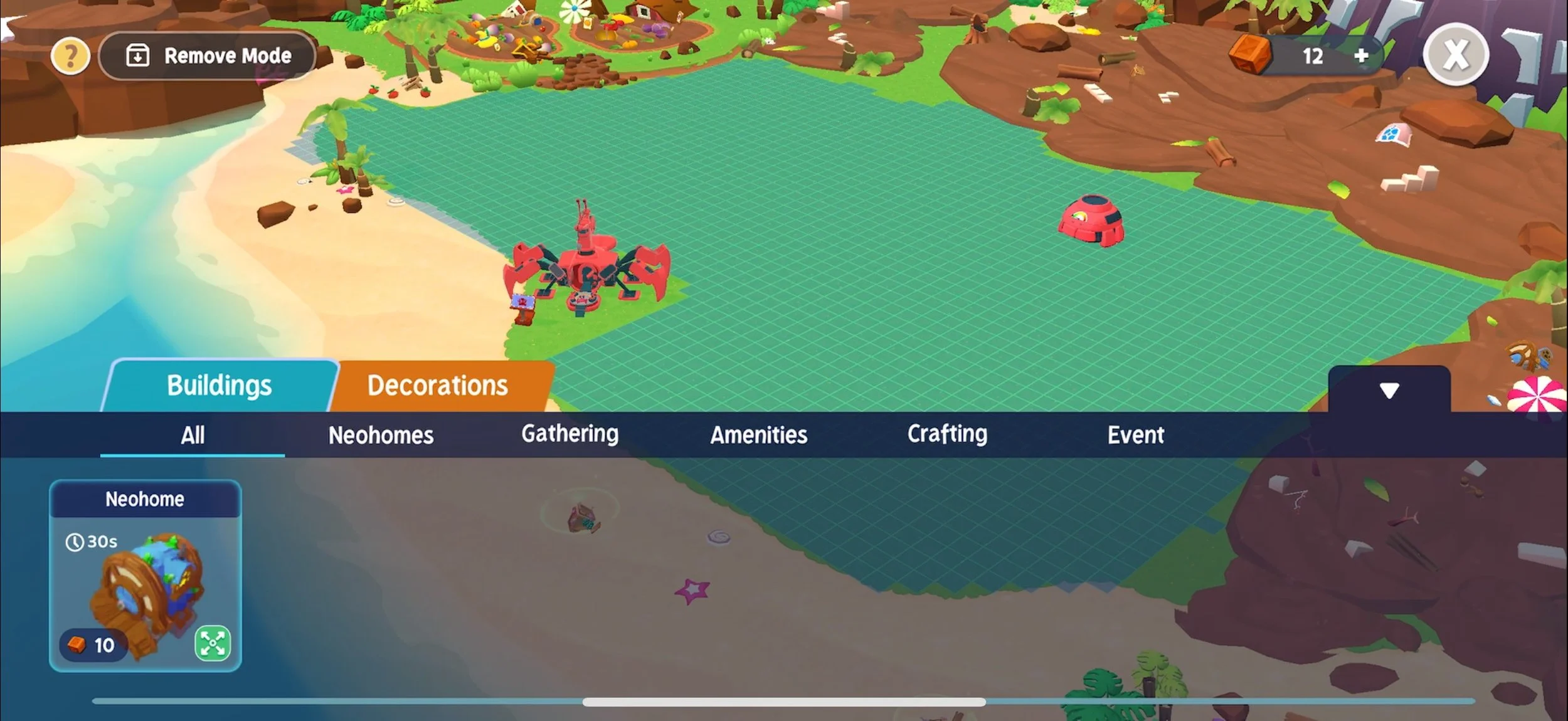
The Build Mode System
UI (worked with UI Designer to polish this flow)
How placing/rotating/moving Building and Decorations should feel
Hierarchy Layering for Buildings/Decorations
Removal of placed Buildings and Decorations
Functionality of Decorations that are “Join-able” (ie. Paths and Fencing connecting or snapping together to create a continuous chain.)
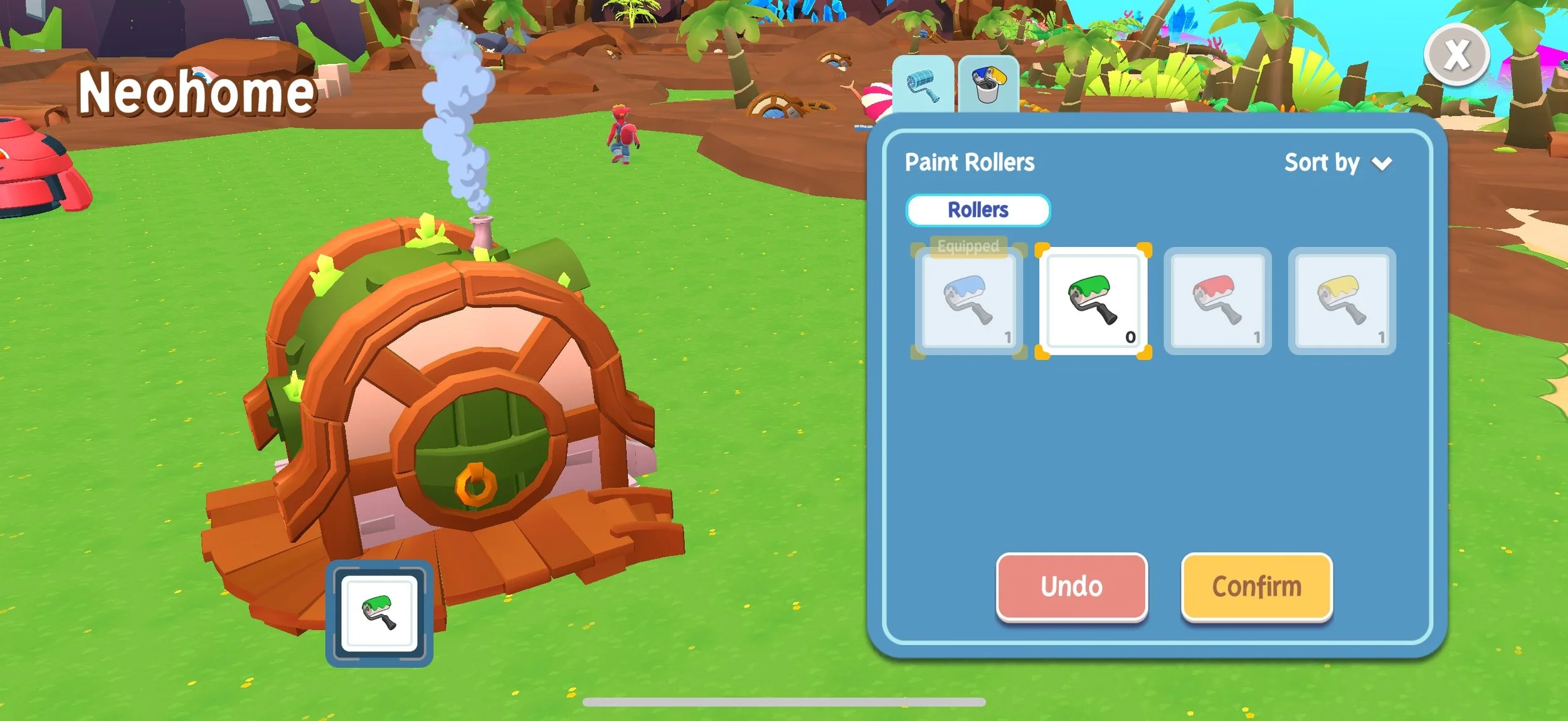
My goals for designing Tales of Dacardia’s build mode and customization systems were to create systems that felt responsive and easy to use. As customization is a large part of the game, I knew that these systems needed to appeal to that specific user persona, while also feeling easy to use for users who are more casual about personalization.
For build mode, I wanted to give the player the ability to rotate and move certain buildings once placed, so that as the story progressed and they gained more structures, they could change the layout of their town freely. The biggest challenge we faced regarding build mode were making sure that moving buildings/decorations on the build grid didn’t feel too sticky. As the game is developed in Unity, what feels smooth while testing on a computer doesn’t always transfer to the intended system, and this was definitely a challenge we faced. I think that with a lot of testing we were able to refine this system to feel responsive and snappy.
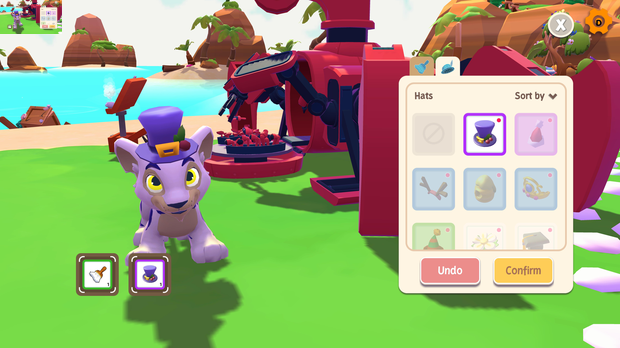
Pet customization is a huge part of Neopets.com, and we definitely wanted to give players the ability to customize their pets and neohomes on Tales of Dacardia as well. I wanted to ensure that players have the ability to easily preview customization items without having to constantly apply and remove them. As many customization items in the game are consumable, this was especially important. I knew it would feel immensely frustrating to be testing out how an item looks and then accidentally use it, especially if the item was limited. One thing I regret about customization mode, is that we weren’t able to find a good way to display the name of the customization items within the customization UI. Though it isn’t a huge issue, I think it would be a nice quality of life feature, especially because the name of customization items aren’t always 100% obvious based off of their icons.
Live-Ops
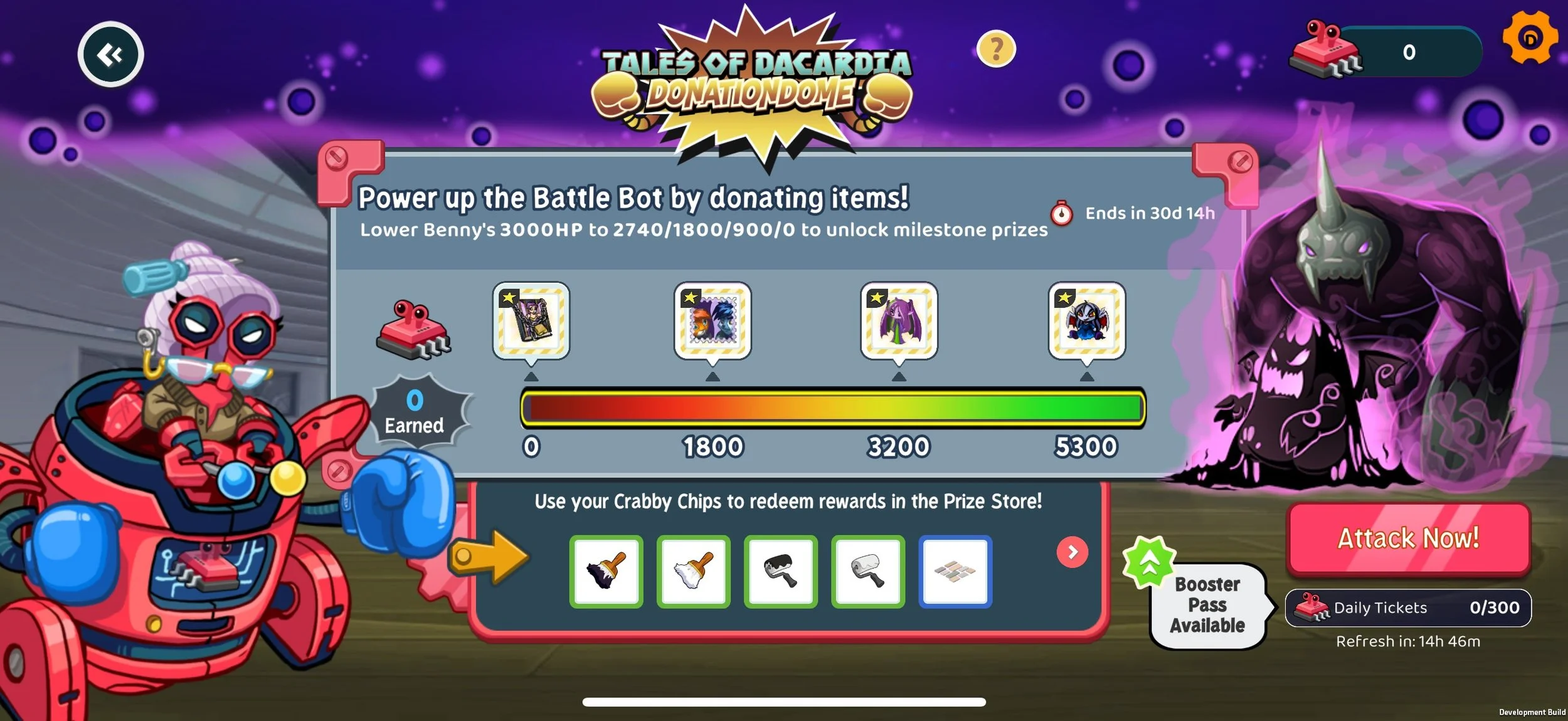
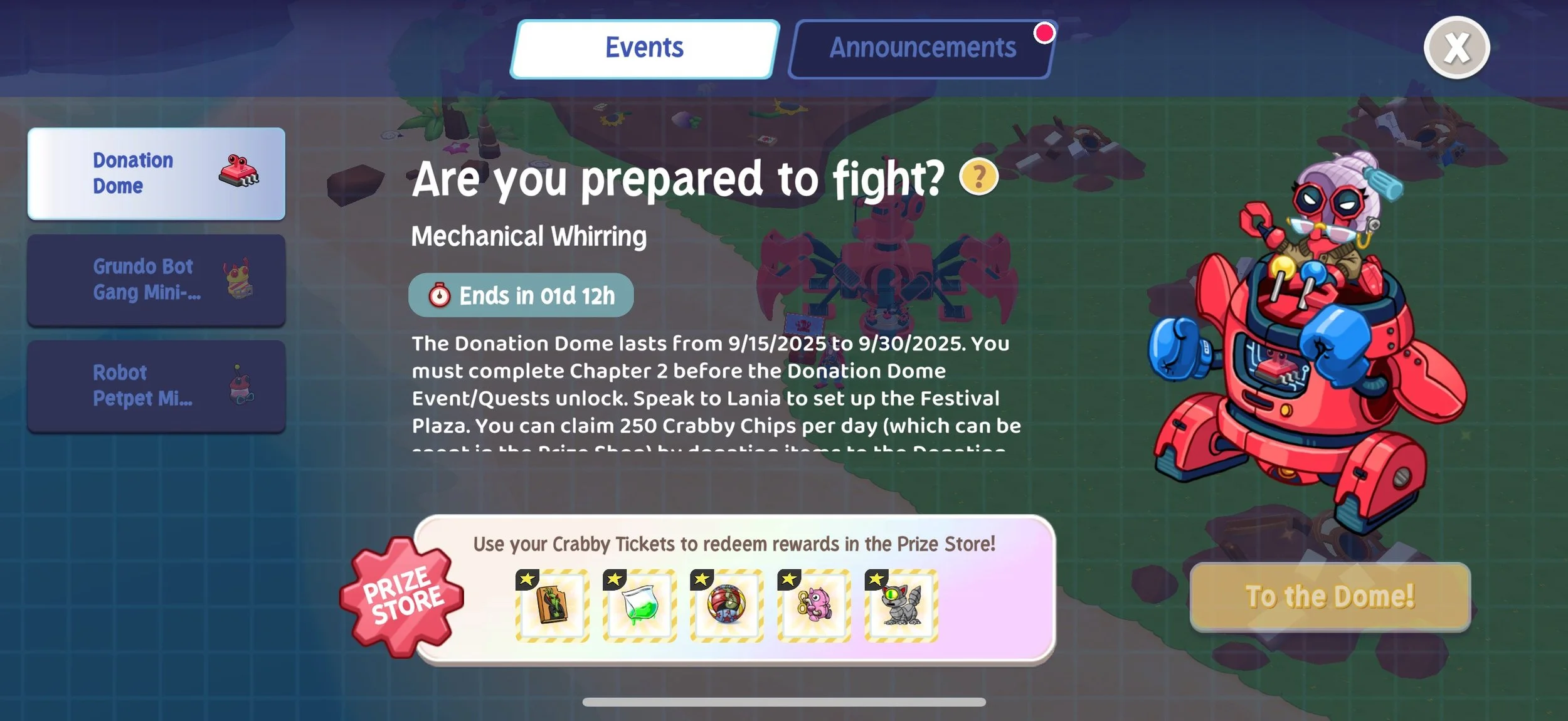
UI for Event Landing Screen (worked with UI Designer to polish this flow)
Prize shop item ideation
Event/Item Setup in Unity
Event Setup in Unity Cloud Service- Used JSON to set up Login Calendars, Prize Shop Items, rotating shop features such as Crabby Capsules and In-App Purchase Packs, and more
Wrote dialogue and event announcements for Donation Dome Events
Economy design/balancing for event prizes and items purchased through the Limited Time Item Dealer
The Customization System (Pets and Buildings)
UI (worked with UI Designer to polish this flow)
Flow for going in and out of customization screens in various cases
Selecting/Previewing customization items
Applying/removing customization items
Pet Systems
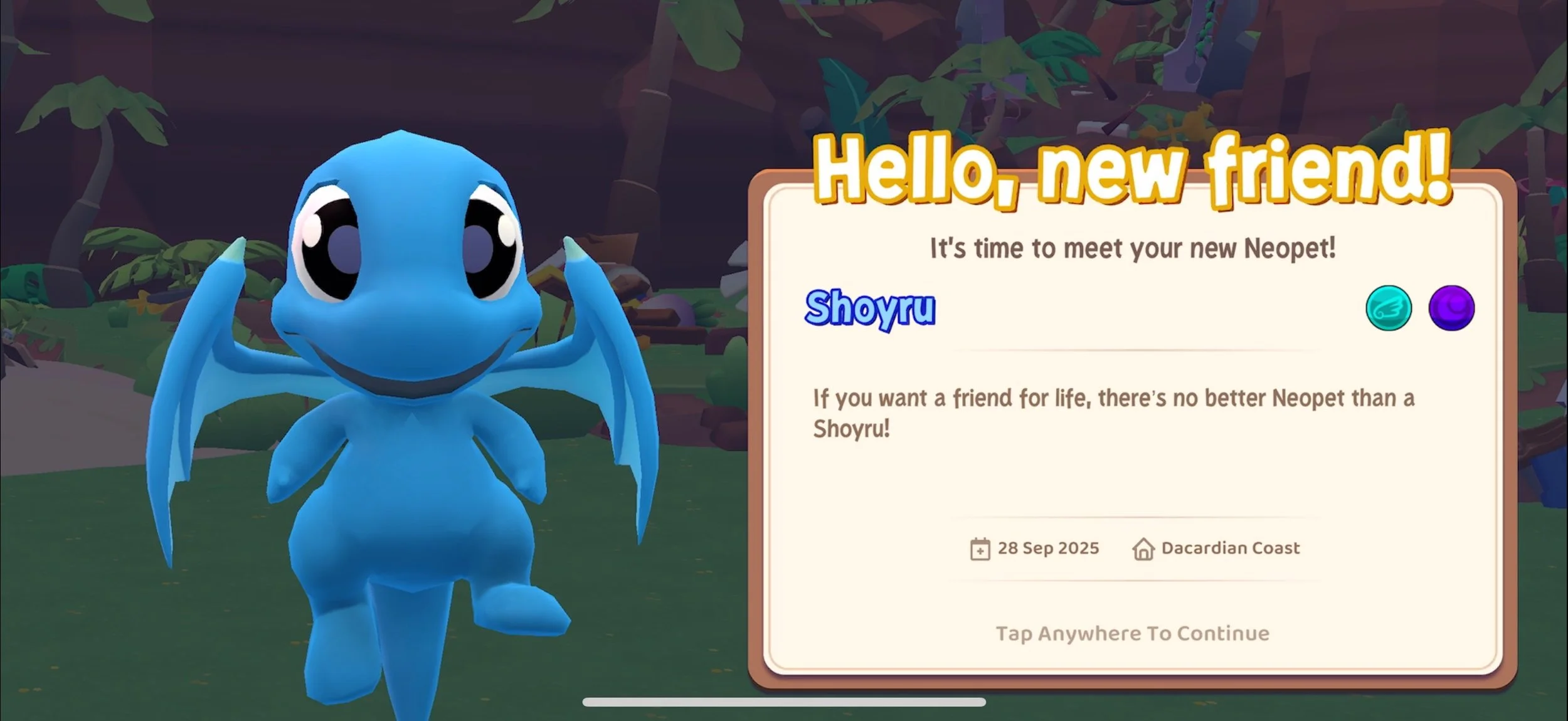
New Pet Unlocking
Flow for Unlocking (Worked with UI Designer)
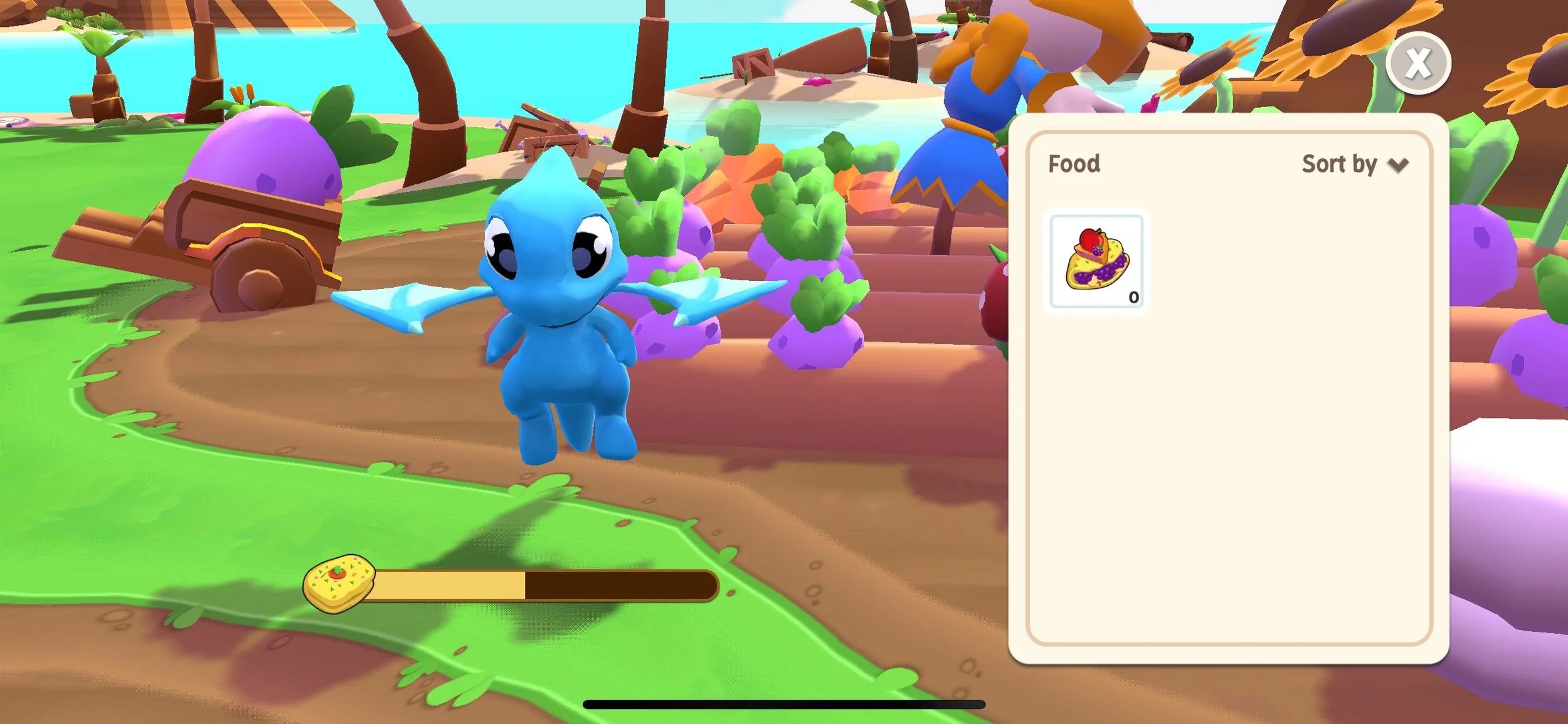
Pet Hunger
Ratios for Fullness Depletion over time or through working
Animations to convey how pet is feeling (Worked with Art Department on this)
Pet Feeding
Balancing for how full food items make pets
Animations for feeding (Worked with Art Department on this)
Flows for Feeding Pets - Menu interactions, how food is displayed and sorted, edge cases
Pet Assigning Systems
Assigning/Changing Neohomes
Assigning Pets to Work at Different Building Types
Flows for Assigning Pets to work and scenarios for when they are unable to work
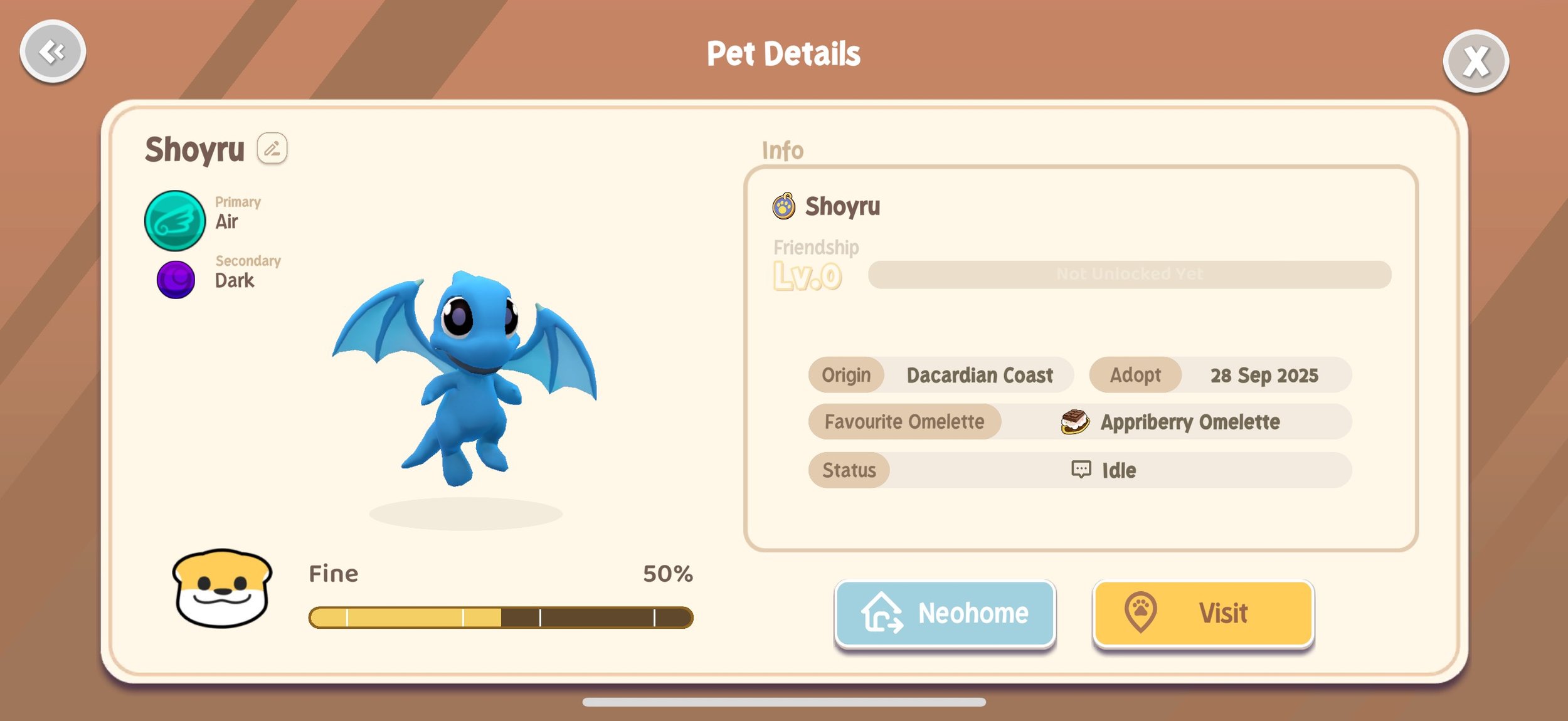
Pet Address Book (Worked with UI Designer)
Flows for entering/exiting the Pet Address Book
What information is displayed on each pet’s page
Pet and NPC Movement Animations (Worked with Art Department on this)
Pet Stats and Elements (not fully implemented at this time)